
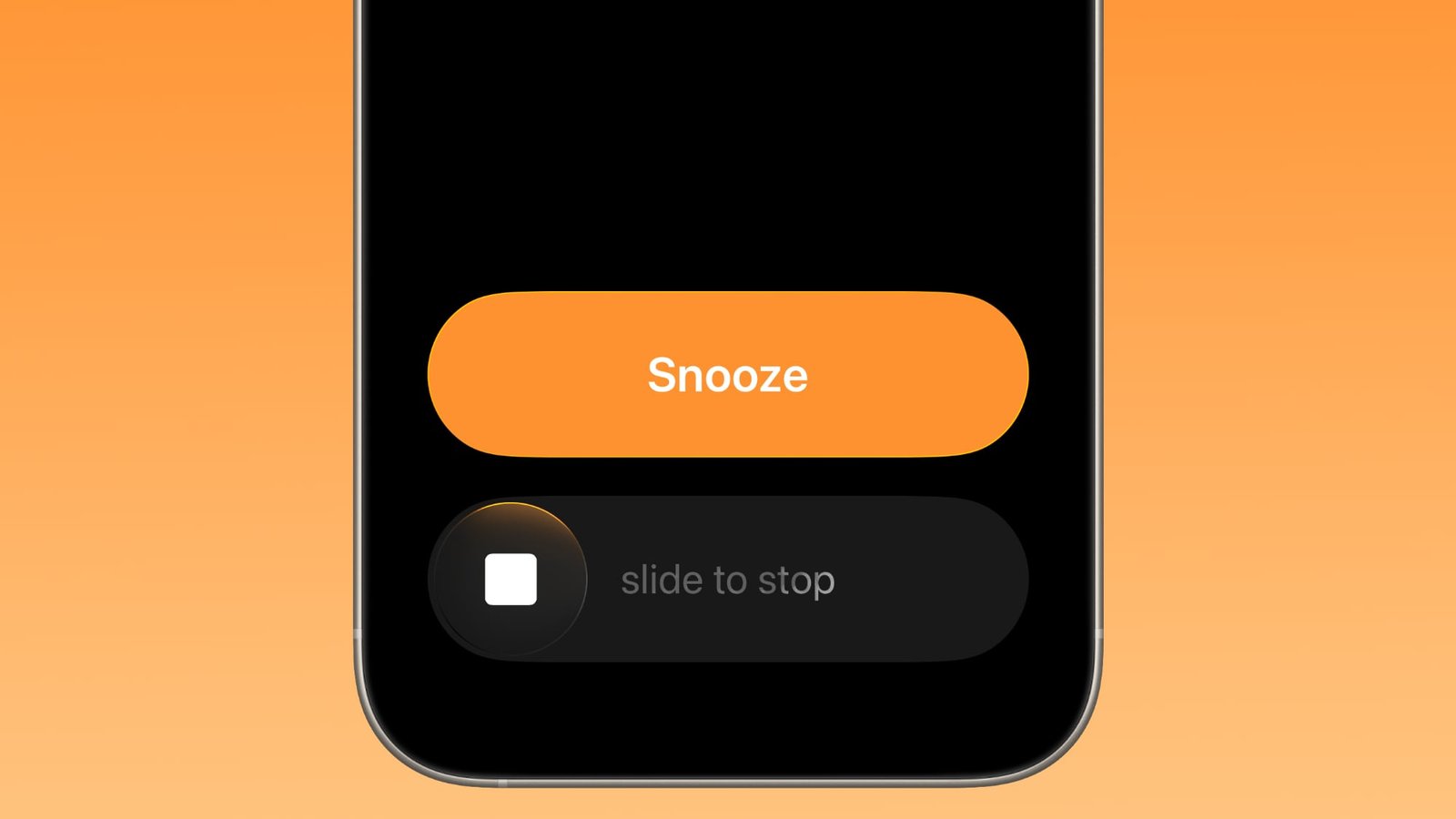
Apple has changed how you dismiss iPhone alarms in iOS 26.1, and your morning muscle memory may have needed tweaking as a result. By default, the Clock app now requires a slide gesture to stop an alarm from the Lock Screen, replacing the previous tap-to-stop button that was redesigned in iOS 26. Snoozing still works with a simple tap, but turning off an alarm entirely demands the extra swipe motion.
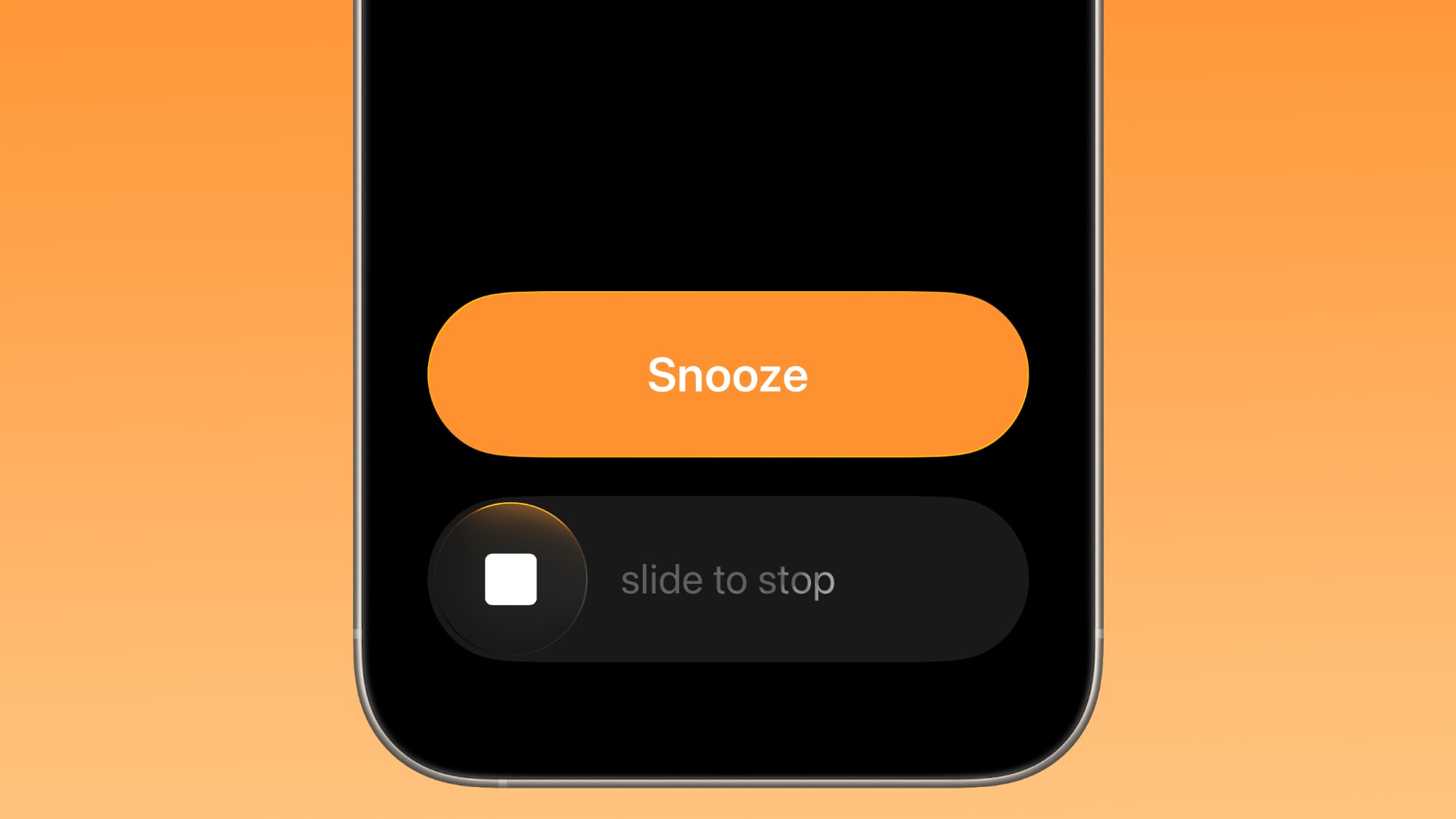
The change appears designed to prevent accidental dismissals when you’re reaching for your phone in the morning. By requiring a more deliberate action, you’re less likely to silence your alarm when you meant to hit snooze. If you don’t like the change, you can revert the alarm interface back to the previous Stop button by following these steps.
- Open the Settings app on your iPhone.
- Tap Accessibility.
- Under “Physical and Motor,” tap Touch.
- Swipe to the bottom of the menu and toggle on Prefer Single-Touch Actions.
The change will take effect the next time you set an alarm. If you want to revert back to the slider, simply toggle off Prefer Single-Touch Actions.
This article, "iOS 26.1: Bring Back the Tap-to-Stop Alarm Button" first appeared on MacRumors.com
Discuss this article in our forums
Source link